Models propose.
A model does not receive unrestricted access to advertising APIs or billing.
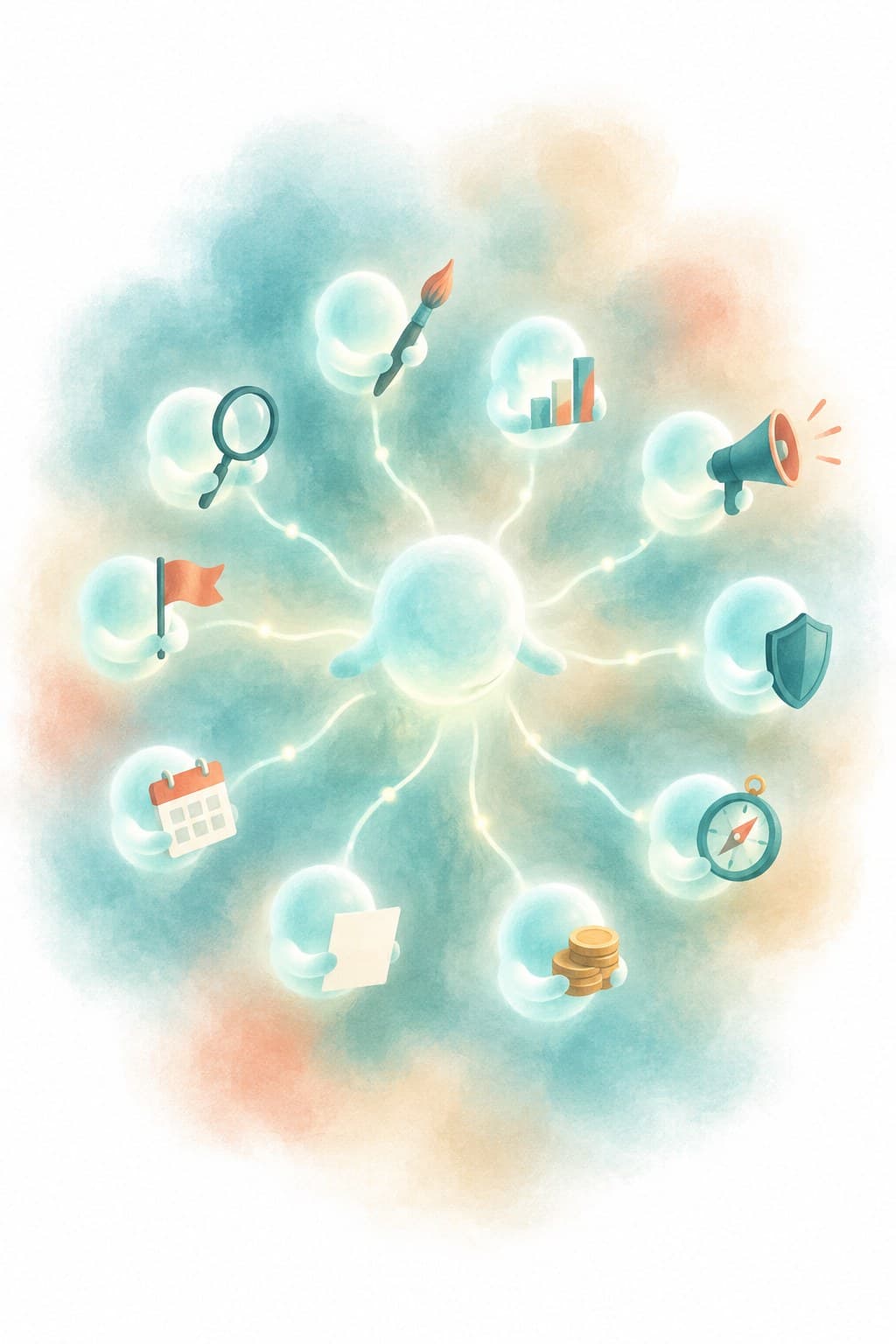
Specialists, working together
Explore the planned roles for a coordinated AI workforce, from the orchestrator to the analyst. The interactive walkthrough below uses sample data.
Routes tasks, objectives, tool scope and budgets between agents.
Choose how your team operates
Explore the three operating modes in the product design, from read-only analysis to tested, tightly bounded actions.
Review the evidence and exact change. An eligible action moves forward only after an authorised approval.
The boundaries matter
A model does not receive unrestricted access to advertising APIs or billing.
A live change needs an authorised person or an explicitly bounded policy.
Permission, capability and data-health checks are designed to block an unsupported action.
Under the surface
The product design supports eligible models from OpenAI, Google and Anthropic. Choices are intended to follow quality, latency, reliability and cost, with workspace-level limits.
Try connecting accounts, reviewing a change, and seeing results in the guided demo.